
Panasonic Projector Service Manuals
Find professional Panasonic projector service manuals for troubleshooting, repair, maintenance and technical servicing. These factory service documents provide detailed technical information for Panasonic projectors and are intended for technicians, repair professionals and experienced users working on projector hardware.
Panasonic projector service documentation covers far more than basic operation. Depending on the projector and generation, manuals can provide access to diagnostic functions, internal assemblies, electronic circuits, optical components, cooling systems, power supplies and signal-processing sections.
Professional Panasonic Projector Repair Information
Depending on the model, a Panasonic projector service manual may include:
Technical Specifications
Safety & Service Precautions
Serviceman / Service Mode
Self-Diagnosis and Error Information
Troubleshooting Procedures
Disassembly & Assembly Instructions
Lamp and Light Source Service Procedures
Calibration & Alignment Procedures
Firmware Upgrade Procedures
Electrical and Mechanical Parts Locations
Interconnection Block Diagrams
Signal Processing & Power Supply Block Diagrams
Circuit / Schematic Diagrams
PCB Layouts and Circuit Board Information
Exploded Views
Replacement Parts Lists
The exact contents vary between individual projector models and generations.
Troubleshooting and Projector Diagnostics
Panasonic factory service manuals can provide extensive diagnostic information for locating faults within the projector.
Depending on the model, this can include troubleshooting for power problems, image faults, remote control issues, network communication and other electronic functions. Service information may also include LED status messages, self-check functions, error codes and diagnostic data for components such as lamps, fans, temperature sensors, cooling systems and power circuits.
This makes the manuals particularly useful when a fault cannot be diagnosed through normal projector controls alone.
Disassembly, Optical Components and Internal Repairs
Projectors combine electronic, mechanical and optical systems, and Panasonic service documentation can provide detailed procedures for accessing these individual sections.
Depending on the design, disassembly instructions may cover main and power boards, lamp assemblies, cooling fans, projection lenses, optical blocks, color wheel assemblies, DMD components, shutters, filters and cooling systems. More complex professional projectors can contain extensive step-by-step procedures covering numerous internal boards and optical assemblies.
Schematics, PCB Information and Block Diagrams
For electronic diagnosis and circuit-level repair, many Panasonic projector service manuals contain detailed technical diagrams.
These can include power supply and signal-processing block diagrams, interconnection diagrams, complete schematic diagrams and PCB layouts showing both component and foil sides. Exploded views and replacement parts information may also be included for identifying mechanical and electrical components.
Calibration and Service Adjustments
Repairing a projector can require more than simply replacing a defective component. Certain repairs require adjustments or calibration before the projector can be returned to normal operation.
Depending on the model, Panasonic service documentation can provide procedures for function testing, color wheel adjustment, lens calibration, fan checks, sensor calibration and other service adjustments. Some manuals also include dedicated firmware upgrade procedures for different projector systems.
Whether you are tracing an image problem, diagnosing a power or cooling fault, replacing an internal board, servicing the optical system or carrying out circuit-level repairs, a Panasonic projector service manual provides the model-specific technical information needed for the job.
The exact contents differ by model. Check the individual product description to see what is included with each manual.
Showing 1–9 of 54 resultsSorted by popularity
-
Sale!
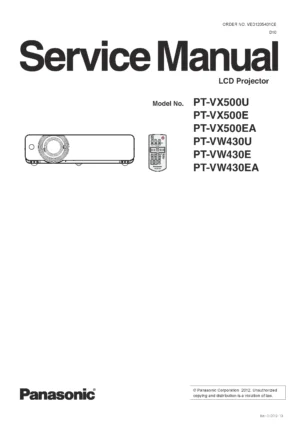
Panasonic PT VX500 Projector Service Manual
Original price was: $9.99.$7.99Current price is: $7.99. Add to cart -
Sale!
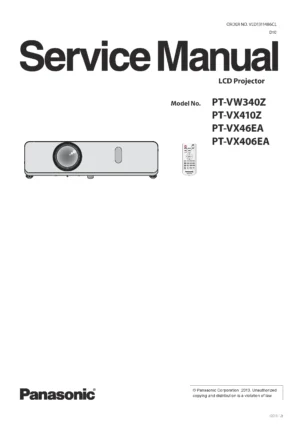
Panasonic PT VX410 Projector Service Manual
Original price was: $9.99.$7.99Current price is: $7.99. Add to cart -
Sale!
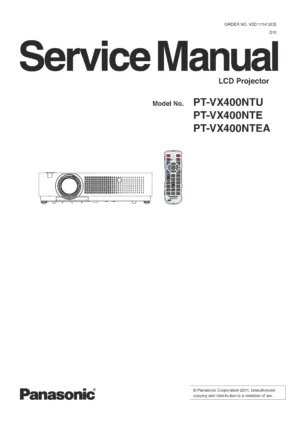
Panasonic PT VX400 VX400NT Projector Service Manual
Original price was: $9.99.$7.99Current price is: $7.99. Add to cart -
Sale!
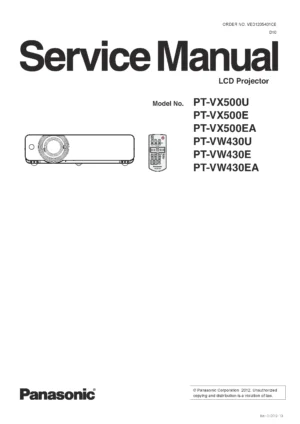
Panasonic PT VW430 Projector Service Manual
Original price was: $9.99.$7.99Current price is: $7.99. Add to cart -
Sale!
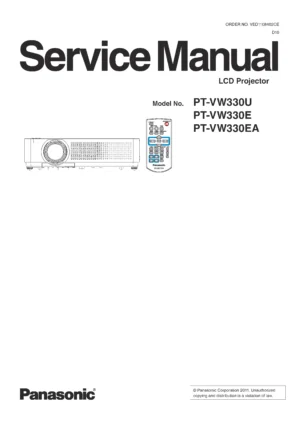
Panasonic PT VW330 Projector Service Manual
Original price was: $9.99.$7.99Current price is: $7.99. Add to cart -
Sale!
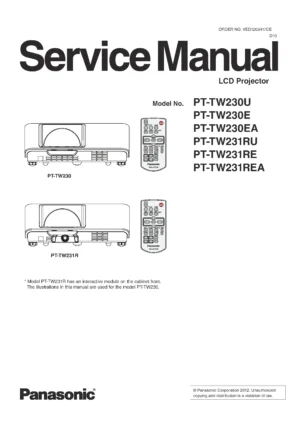
Panasonic PT TW230 TW231 Projector Service Manual
Original price was: $9.99.$7.99Current price is: $7.99. Add to cart -
Sale!
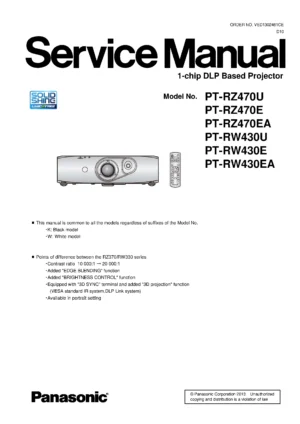
Panasonic PT RZ470 RW430 Projector Service Manual
Original price was: $9.99.$7.99Current price is: $7.99. Add to cart -
Sale!
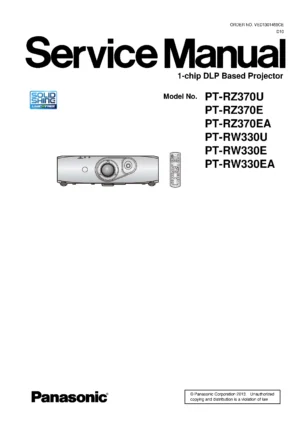
Panasonic PT RZ370 RW330 Projector Service Manual
Original price was: $9.99.$7.99Current price is: $7.99. Add to cart -
Sale!
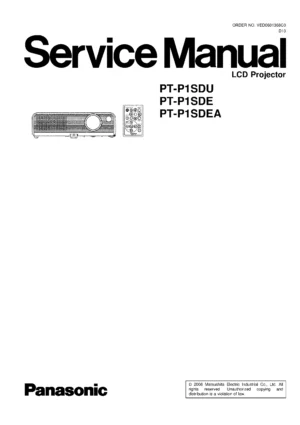
Panasonic PT P1SD Projector Service Manual
Original price was: $9.99.$7.99Current price is: $7.99. Add to cart