

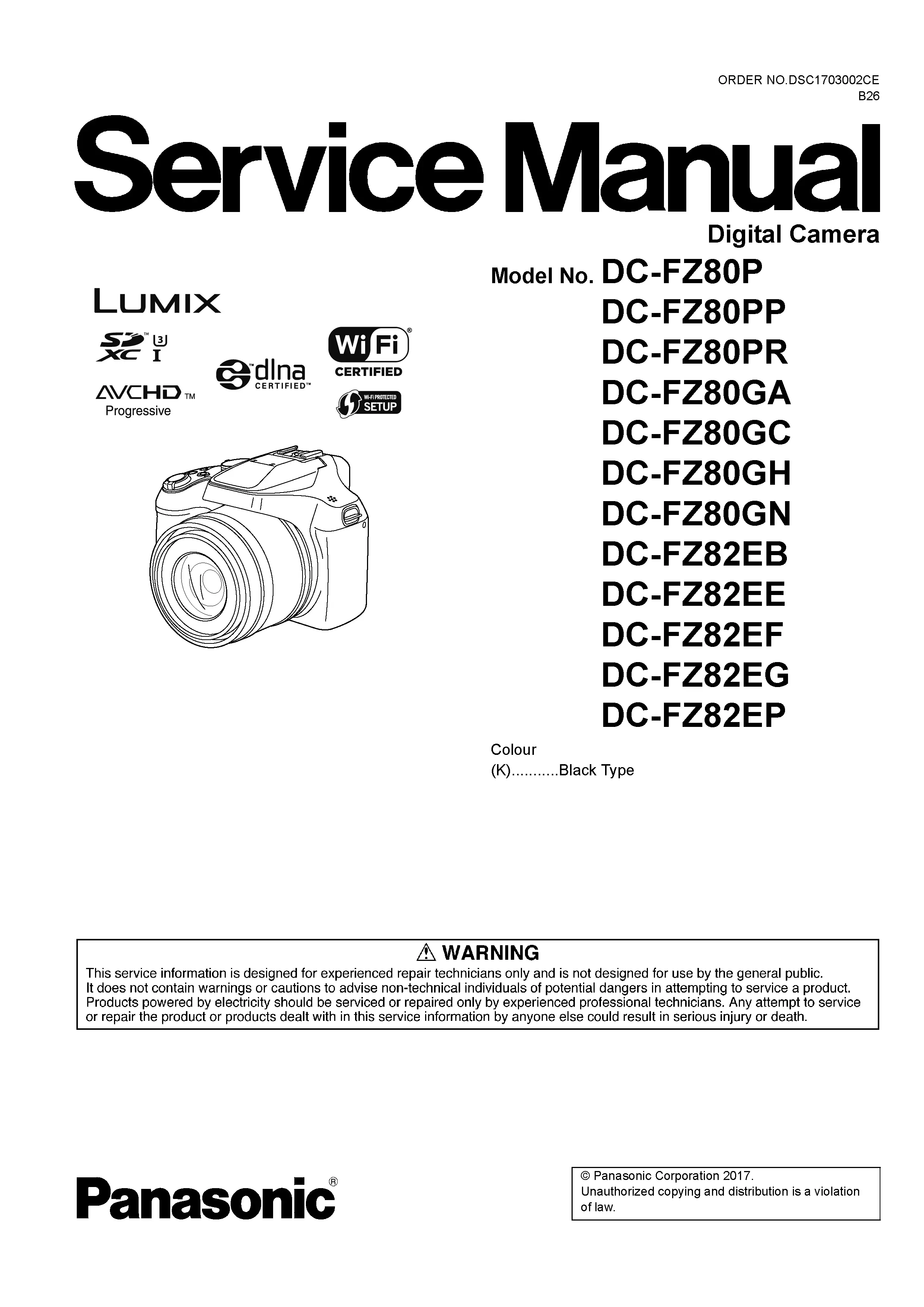
Panasonic Lumix DC FZ80 FZ82 Digital Camera Service Manual
Original price was: $14.99.$12.99Current price is: $12.99.
Panasonic Lumix DC FZ80 FZ82 Digital Camera Factory Service Manual for professional repair information, fault tracing, adjustment work and replacement parts. Instant Download.
Description
Panasonic Lumix DC FZ80 FZ82 Digital Camera Service Manual
The Panasonic Lumix DC FZ80 FZ82 digital camera service manual is the workshop reference to use when a repair needs more than a visual inspection or basic parts swap.
Each section supports a different stage of the repair, from intake checks to final confirmation. This reference is intended for a repair workshop, with attention to component-level repair, electronic diagnostics, image sensor servicing, autofocus systems, optical alignment, shutter mechanisms, flash circuitry, PCB servicing, ribbon cable replacement and calibration procedures.
Manual Specifications
- Brand: Panasonic Lumix
- Model: DC FZ80 FZ82
- Product Type: Digital Camera
- Manual Type: Factory Service Manual
- Pages: 76
- File Format: ZIP
Instant Download
After checkout, the DC FZ80 FZ82 service manual is supplied as an instant download so the repair information can be used immediately at the bench. The file name and page count match this exact Panasonic Lumix digital camera listing.
Manual Contents
The manual follows Panasonic’s factory service style and gives each repair stage its own technical reference.
- Safety Precautions: Sets out the precautions Panasonic expects during service, including checks that prevent a repaired camera from leaving the bench unsafe.
- Service Warnings and ESD Protection: Shows how to handle static-sensitive camera electronics while the body is open and the sensor path is exposed.
- Service Navigation: Connects the diagnostic, adjustment and parts sections into a usable workshop sequence.
- Technical Specifications: Lists the model specifications that help confirm power requirements, imaging configuration, lens behavior and supported operating limits.
- Camera Controls and Component Locations: Helps locate the assemblies behind control button failures, LCD issues, flash faults and interface problems.
- Service Mode: Provides the service entry points used when checking stored faults, operating data or factory test functions.
- Error Code Diagnostics: Turns error indications into a repair path rather than a generic symptom.
- Service Fixtures and Special Tools: Documents any service aids needed to complete repair procedures without forcing fragile assemblies.
- Disassembly and Assembly Instructions: Provides the step-by-step access sequence for covers, boards, LCD modules, switches and internal chassis components.
- Lens Disassembly Procedures: Supports repair of extension, retraction, zoom and autofocus faults by showing the factory lens teardown sequence.
- Lens Assembly Procedures: Covers the return path for lens components so shutter, aperture, focus and zoom operation can be verified after service.
- CCD / CMOS Sensor Service: Explains the service considerations around the sensor area so image quality faults are not made worse during repair.
- Focus Motor Service: Shows where autofocus service work connects with lens assembly and adjustment procedures.
- Measurements and Adjustments: Gives the factory checks and adjustment references used after board, lens, sensor or mechanical service.
- Maintenance Procedures: Gives technicians the maintenance checks that are useful during reassembly, functional testing and customer return preparation.
- Cleaning Instructions: Supports safe cleaning around lens, LCD, sensor and connector areas without causing new image-quality faults.
- Block Diagram: Helps technicians see how the imaging, control, display and power sections relate before deeper circuit tracing.
- Schematic Diagrams: Supports bench diagnosis of power, sensor, display, USB, flash and control circuits.
- Printed Circuit Board Views: Identifies board layouts, connector positions and component locations so schematic information can be matched to the physical PCB.
- Exploded Views: Supports parts identification during reassembly, especially where small brackets, covers and lens components are similar.
- Replacement Parts List Catalog: Provides the parts catalog needed to match exploded-view callouts with the correct Panasonic service components.
Common Problems Covered
Use this manual when diagnosing faults that need internal access, service-mode checks, measurements or confirmed replacement parts.
- Camera will not power on or intermittently resets
- Fixed zoom lens will not extend, retract or initialize
- Autofocus not operating correctly through the zoom range
- Blurry images caused by lens, OIS or sensor alignment faults
- Optical Image Stabilizer faults
- Electronic Viewfinder or LCD display failure
- Flash not firing or charging correctly
- USB communication and charging issues
- Memory card detection failures
- Main PCB or flexible cable faults
Technician Reference
The DC FZ80 FZ82 manual is useful when diagnosis has to move from a symptom to a verified assembly. It supports factory servicing work such as checking power lines, inspecting flexible printed circuits, confirming lens drive operation, servicing CCD or CMOS sensor areas, tracing flash and exposure circuits, and completing precision adjustments after reassembly.
Who Is This Manual For?
This manual is for professional camera technicians, electronics repair shops, refurbishers and experienced Lumix owners who need the correct technical reference for restoring a familiar Lumix body with the correct service data. It is not a user guide; it is a factory service document for careful digital camera repair.
More Panasonic Lumix Digital Camera Service Manuals
Need Help Finding The Correct Manual?
Only logged in customers who have purchased this product may leave a review.
Related products
-
Panasonic Lumix DMC FH20 Digital Camera Service Manual
$7.99 Add to cart -
Panasonic Lumix DC ZS200 ZS220 TZ200 TZ220 Digital Camera Service Manual to Pinterest (opens in a new window)Sale!
Panasonic Lumix DC ZS200 ZS220 TZ200 TZ220 Digital Camera Service Manual
Original price was: $14.99.$12.99Current price is: $12.99. Add to cart -
Panasonic Lumix DC GX9 GX9K GX9H GX9P Digital Camera Service Manual to Pinterest (opens in a new window)Sale!
Panasonic Lumix DC GX9 GX9K GX9H GX9P Digital Camera Service Manual
Original price was: $14.99.$12.99Current price is: $12.99. Add to cart -
Panasonic Lumix DC LX100M2 LX100 II Digital Camera Service Manual to Pinterest (opens in a new window)Sale!
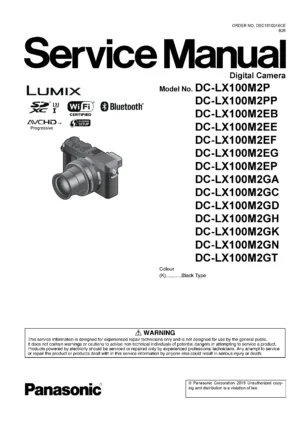
Panasonic Lumix DC LX100M2 LX100 II Digital Camera Service Manual
Original price was: $14.99.$12.99Current price is: $12.99. Add to cart


Reviews
There are no reviews yet.