
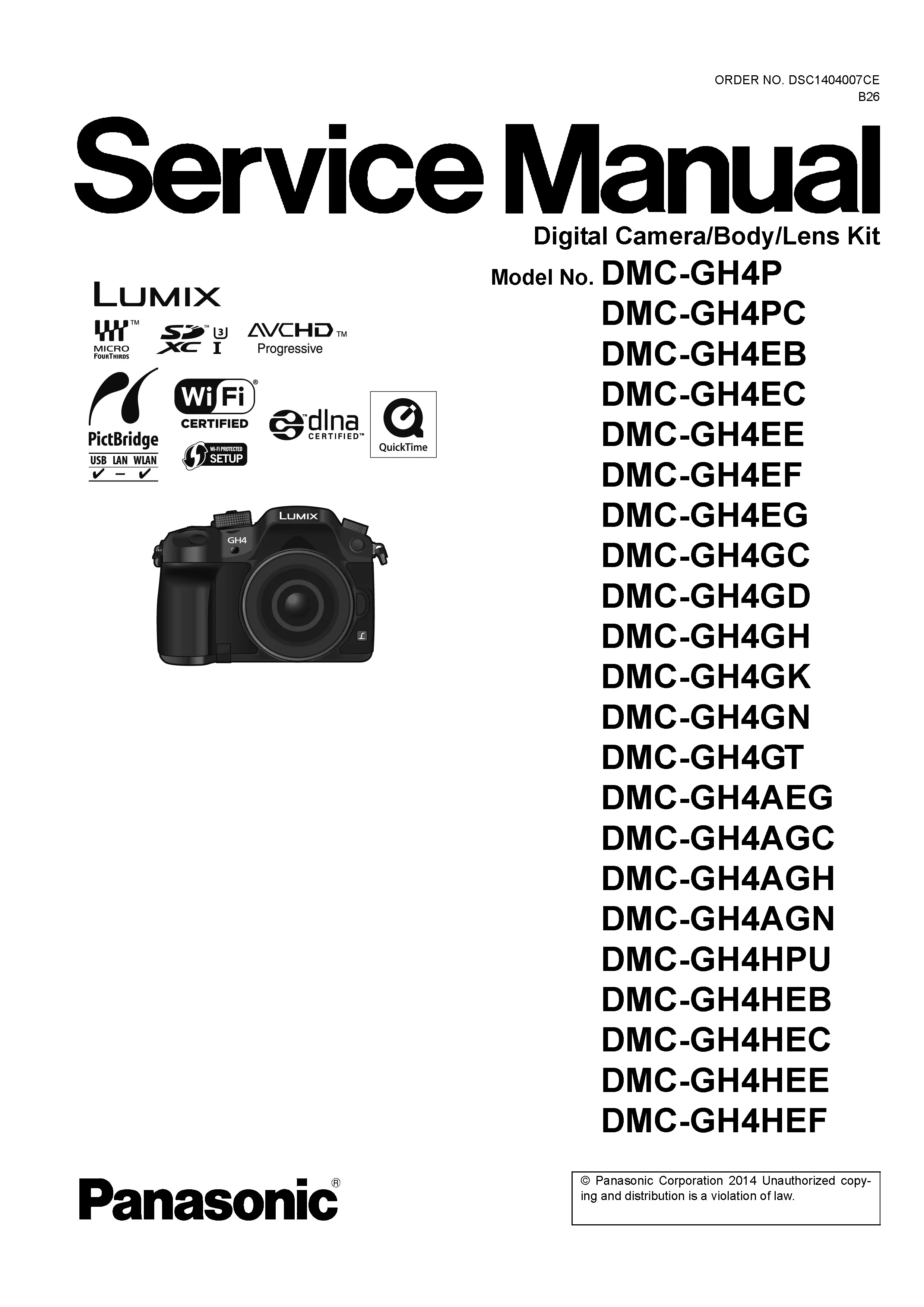
Panasonic Lumix DMC GH4 GH4A GH4H Digital Camera Service Manual
Original price was: $14.99.$12.99Current price is: $12.99.
Panasonic Lumix DMC GH4 GH4A GH4H Digital Camera Factory Service Manual with repair information for service procedures, electronic diagnostics and component access. Instant Download.
Description
Panasonic Lumix DMC GH4 GH4A GH4H Digital Camera Service Manual
For the Panasonic Lumix DMC GH4 GH4A GH4H digital camera, this service manual gives repair benches the factory view of how the camera is built, tested and brought back into specification.
The value is in the way the information connects symptoms to assemblies. This reference is intended for a service bench, with attention to component-level repair, electronic diagnostics, image sensor servicing, autofocus systems, optical alignment, shutter mechanisms, flash circuitry, PCB servicing, ribbon cable replacement and calibration procedures.
Manual Specifications
- Brand: Panasonic Lumix
- Model: DMC GH4 GH4A GH4H
- Product Type: Digital Camera
- Manual Type: Factory Service Manual
- Pages: 155
- File Format: PDF
Instant Download
After checkout, the DMC GH4 GH4A GH4H service manual is supplied as an instant download so the repair information can be used immediately at the bench. The file name and page count match this exact Panasonic Lumix digital camera listing.
Manual Contents
The manual follows Panasonic’s factory service style and gives each repair stage its own technical reference.
- Safety Precautions: Gives the technician the safety notices and protected-component guidance needed before power, flash and charging circuits are serviced.
- Service Warnings and ESD Protection: Details bench handling practices for sensitive electronic assemblies, especially when PCB servicing or flex cable replacement is involved.
- Service Navigation: Helps the technician find the right section for the current stage of service instead of searching through the manual page by page.
- Technical Specifications: Helps separate a genuine fault from a feature or limitation of the exact model.
- Camera Controls and Component Locations: Identifies external controls, internal boards, lens assemblies, switches and connector locations before the camera is dismantled.
- Service Mode: Supports electronic diagnostics by showing how the camera can be placed into its service functions for verification work.
- Error Code Diagnostics: Gives technicians a structured way to separate mechanical lens problems from board, sensor or communication faults.
- Service Fixtures and Special Tools: Helps prepare the bench before the camera is opened, especially for alignment and measurement work.
- Disassembly and Assembly Instructions: Supports careful reassembly by showing where each internal part returns after inspection or replacement.
- Lens Disassembly Procedures: Explains how to access lens barrel components, zoom mechanisms, focus drive parts and related flexible circuits.
- Lens Assembly Procedures: Helps the technician reassemble zoom and focus sections without disturbing alignment or causing binding.
- CCD / CMOS Sensor Service: Guides careful work around CCD or CMOS sensor assemblies, where contamination, flex damage or alignment error can affect image quality.
- Focus Motor Service: Helps trace focus faults through the motor, drive circuitry, flexible cable and lens mechanism.
- Measurements and Adjustments: Covers the precision adjustments that matter after lens, sensor, PCB or shutter-related work.
- Maintenance Procedures: Covers routine service tasks that keep the camera operating correctly after repair or inspection.
- Cleaning Instructions: Helps prevent dust, smears and debris from being introduced into the optical path during factory servicing.
- Block Diagram: Connects the main functional sections of the camera, useful when symptoms point to more than one board or subsystem.
- Schematic Diagrams: Allows the technician to follow signals and supply lines instead of replacing boards without confirmation.
- Printed Circuit Board Views: Helps technicians inspect solder joints, connectors and board-mounted parts without guesswork.
- Exploded Views: Breaks the camera into assemblies and subassemblies so mechanical order, screw locations and replacement parts can be checked.
- Replacement Parts List Catalog: Helps confirm the correct replacement part before ordering, reducing mistakes caused by regional variants or similar assemblies.
Common Problems Covered
Use this manual when diagnosing faults that need internal access, service-mode checks, measurements or confirmed replacement parts.
- Camera will not power on or shuts down during startup
- Interchangeable lens communication errors
- Autofocus hunting, slow focus or no focus confirmation
- CMOS sensor image faults, banding or abnormal color
- Mechanical shutter or exposure-control faults
- Stabilization warnings or lens/body stabilization communication issues
- Electronic Viewfinder or rear LCD display problems
- Memory card detection and write errors
- Flash or hot-shoe related faults where applicable
- Main PCB, flexible printed circuit or ribbon cable damage
Technician Reference
The DMC GH4 GH4A GH4H manual is useful when diagnosis has to move from a symptom to a verified assembly. It supports factory servicing work such as checking power lines, inspecting flexible printed circuits, confirming lens drive operation, servicing CCD or CMOS sensor areas, tracing flash and exposure circuits, and completing precision adjustments after reassembly.
Who Is This Manual For?
This manual is for professional camera technicians, electronics repair shops, refurbishers and experienced Lumix owners who need the correct technical reference when the owner needs a proper repair path before replacing the camera. It is not a user guide; it is a factory service document for careful digital camera repair.
More Panasonic Lumix Digital Camera Service Manuals
Need Help Finding The Correct Manual?
If you are comparing regional model numbers, use the contact page and include the full camera label.
Only logged in customers who have purchased this product may leave a review.
Related products
-
Sale!
Panasonic Lumix DC TZ95 TZ96 TZ97 ZS80 Digital Camera Service Manual
Original price was: $14.99.$12.99Current price is: $12.99. Add to cart -
Sale!
Panasonic Lumix DC FZ1000M2 FZ10002 FZ1000 II Digital Camera Service Manual
Original price was: $14.99.$12.99Current price is: $12.99. Add to cart -
Sale!
Panasonic Lumix DC S1 S1M Digital Camera Service Manual
Original price was: $14.99.$12.99Current price is: $12.99. Add to cart -
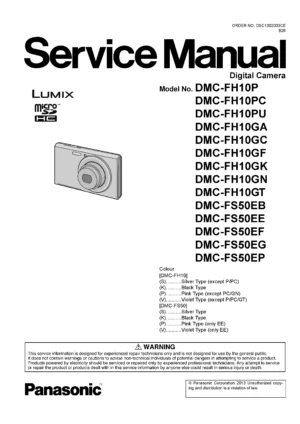
Panasonic Lumix DMC FH10 FS50 Digital Camera Service Manual
$9.99 Add to cart
Reviews
There are no reviews yet.