

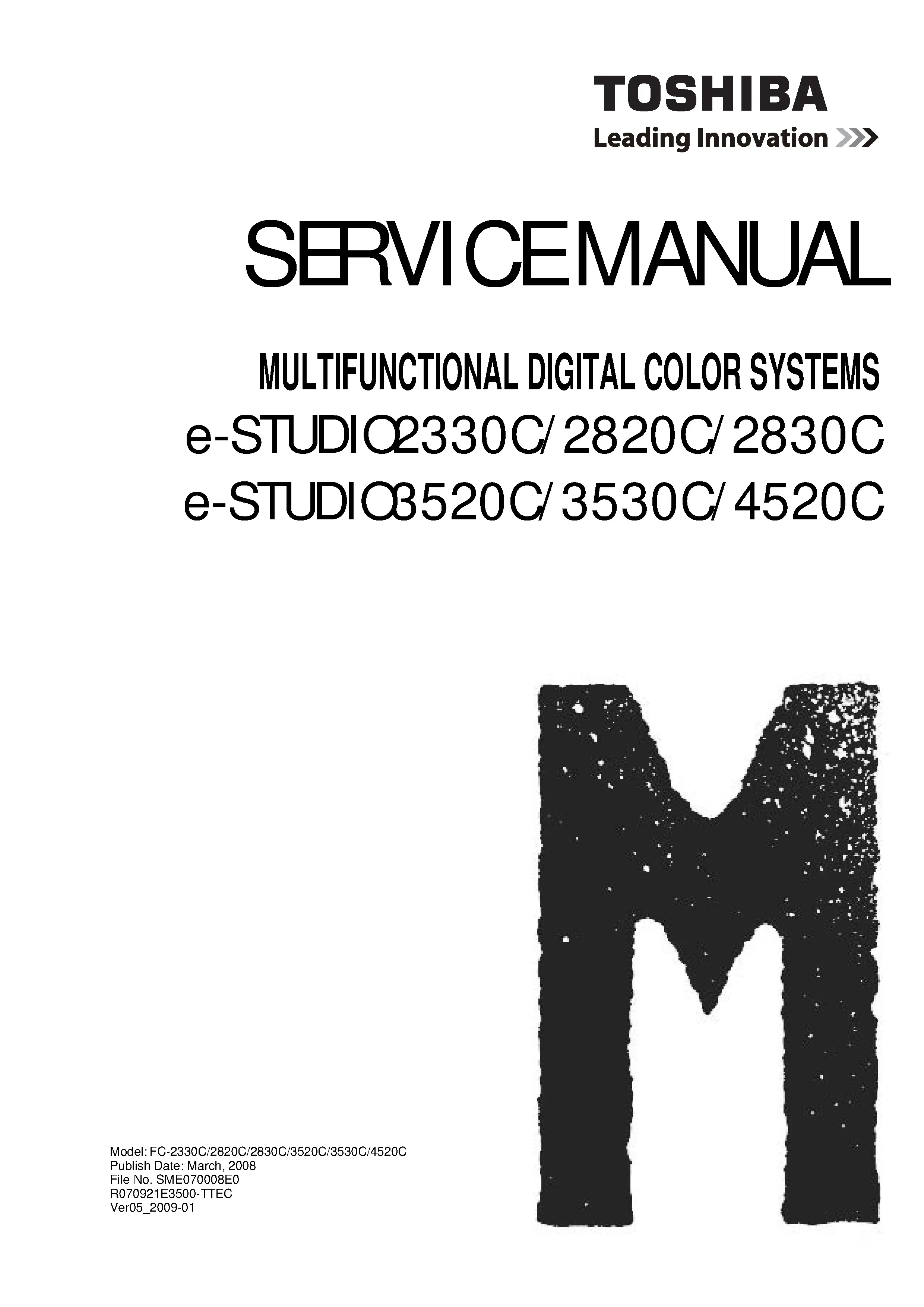
Toshiba e-STUDIO 2330C/2820C/2830C/3520C/3530C/4520C Printer Service Manual
Original price was: $14.99.$9.99Current price is: $9.99.
Original factory repair documentation for the Toshiba e-STUDIO 2330C/2820C/2830C/3520C/3530C/4520C multifunction printer/copier (color system). Includes original service manual, service handbook, parts list catalog, troubleshooting manual. Manufacturer repair information and a technical reference for diagnostics. 1494 pages of documentation in a ZIP package. Instant Download.
Description
The Toshiba e-STUDIO 2330C/2820C/2830C/3520C/3530C/4520C factory documents cover the six color systems shown on the service manual cover. A separate troubleshooting publication and parts catalog complement the main manual and handbook.
Manual Specifications
- Brand: Toshiba
- Product Type: Multifunction Printer/Copier (Color System)
- Format: ZIP containing PDF documents
- Total Documentation Pages: 1494
Models Covered
e-STUDIO 2330C, 2820C, 2830C, 3520C, 3530C, 4520C.
The parts catalog filename identifies 2820C, 2830C, 3520C, 3530C and 4520C. The separate troubleshooting manual names 3520C, 3530C and 4520C.
Instant Download
Instant access after purchase lets you keep the original documents beside the machine while reviewing the technical information.
Manual Contents
- Original Service Manual:
- Feature: Technical operation and servicing reference for feature.
- Specifications/accessories/options/supplies: Equipment specifications, options and supplies.
- Outline of the machine: Technical operation and servicing reference for outline of the machine.
- Copy process: Technical operation and servicing reference for copy process.
- General operation: Technical operation and servicing reference for general operation.
- Control panel: Technical operation and servicing reference for control panel.
- Scanner: Technical operation and servicing reference for scanner.
- Image processing: Technical operation and servicing reference for image processing.
- Laser optical unit: Technical operation and servicing reference for laser optical unit.
- Drive system: Technical operation and servicing reference for drive system.
- Paper feeding system: Technical operation and servicing reference for paper feeding system.
- Process unit related section: Technical operation and servicing reference for process unit related section.
- Developer unit: Technical operation and servicing reference for developer unit.
- Transfer unit: Technical operation and servicing reference for transfer unit.
- Image quality control: Technical operation and servicing reference for image quality control.
- Fuser unit / paper exit section: Technical operation and servicing reference for fuser unit / paper exit section.
- Automatic duplexing unit (adu): Technical operation and servicing reference for automatic duplexing unit (adu).
- Power supply unit: Technical operation and servicing reference for power supply unit.
- Preventive maintenance (pm): Scheduled maintenance and inspection information.
- Firmware updating: Firmware update service reference.
- Replacement of pc boards/hdd: Board and storage replacement information.
- Backup function: Machine data backup reference.
- Self-diagnostic mode: Factory diagnostic modes and checks.
- Adjustment mode (05): Manufacturer adjustment reference for servicing.
- Setting mode (08): Technical operation and servicing reference for setting mode (08).
- Error code and troubleshooting: Fault codes and troubleshooting reference.
- Remote service: Technical operation and servicing reference for remote service.
- Setting / adjustment of option: Manufacturer adjustment reference for servicing.
- External counters: Technical operation and servicing reference for external counters.
- Pc boards: Technical operation and servicing reference for PC boards.
- Service Handbook:
- Specifications/accessories/options/supplies: Equipment specifications, options and supplies.
- Self-diagnostic mode: Factory diagnostic modes and checks.
- Adjustment: Manufacturer adjustment reference for servicing.
- Backup function: Machine data backup reference.
- Preventive maintenance (pm): Scheduled maintenance and inspection information.
- Error code and troubleshooting: Fault codes and troubleshooting reference.
- Replacement of pc boards/hdd: Board and storage replacement information.
- Firmware updating: Firmware update service reference.
- Power supply unit: Technical operation and servicing reference for power supply unit.
- Dc wire harness / electric parts layout: Harness connections and electrical component locations.
- Parts List Catalog: The parts catalog provides a dedicated component identification reference. Consult its own model list when identifying a replacement part.
- Troubleshooting Manual: The separate troubleshooting publication provides an additional fault-analysis reference for e-STUDIO3520C, 3530C and 4520C.
Common Problems Covered
For Toshiba e-STUDIO 2330C/2820C/2830C/3520C/3530C/4520C, the verified technical sections support investigation of paper feed faults, image formation problems and service conditions. The handbook provides the separately listed diagnostic and workshop references.
Technician Reference
For a workshop archive, retain the files under the equipment model number. Compare the document title and covered models when opening a companion publication. This makes the package useful for reviewing an earlier repair as well as preparing the next service visit.
Who Is This Manual For?
Professional service engineers and printer repair businesses can use this download alongside their machine records. Experienced owners gain access to the same manufacturer documentation for troubleshooting, analysis and repair planning. Retaining the package is useful when the equipment changes hands or returns to service later.
More Brand Service Manuals
Explore our Toshiba printer documentation.
Need Help Finding The Correct Manual?
Check your model with Zeus Manuals. Include the complete equipment model number so we can help match the correct technical reference.
Only logged in customers who have purchased this product may leave a review.
Related products
-
Sale!
Toshiba e-STUDIO 4508A Printer Service Manual
Original price was: $14.99.$9.99Current price is: $9.99. Add to cart -
Sale!
Toshiba e-STUDIO 5520C/6520C/6530C Printer Service Manual
Original price was: $14.99.$9.99Current price is: $9.99. Add to cart -
Sale!
Toshiba e-STUDIO 3511 Printer Service Manual
Original price was: $14.99.$9.99Current price is: $9.99. Add to cart -
Sale!
Toshiba e-STUDIO 4511 Printer Service Manual
Original price was: $14.99.$9.99Current price is: $9.99. Add to cart


Reviews
There are no reviews yet.